Convert an image to pixel art
To convert an image to pixel art, shrink it to a small grid (32 to 128 pixels wide), limit it to 8 to 32 colors and keep the edges hard. The converter below does all three in your browser and lets you download the result as a PNG for free.
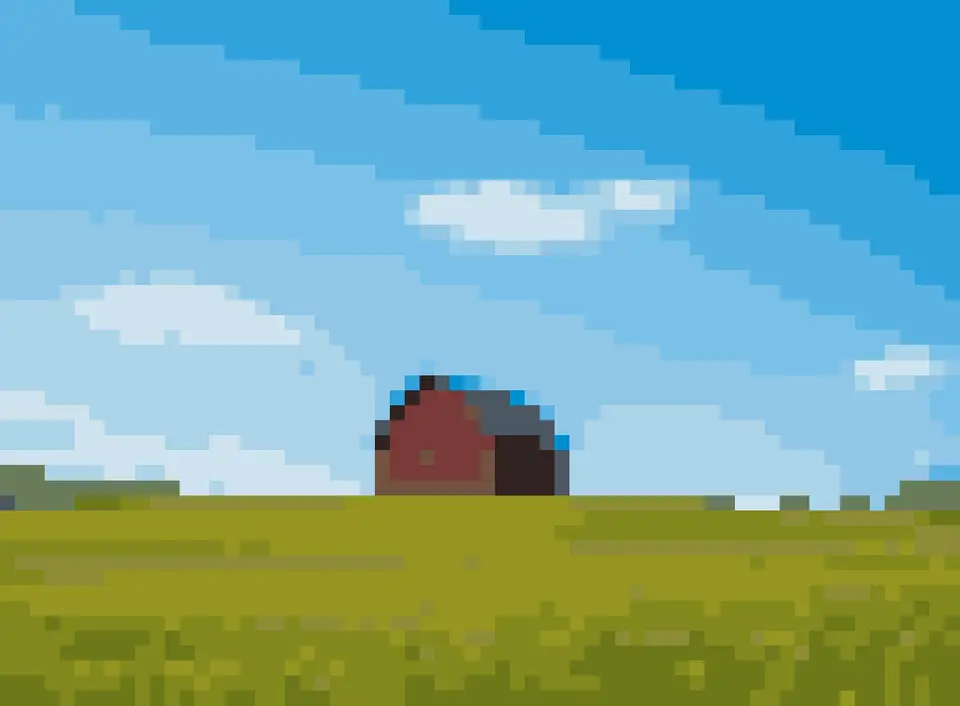
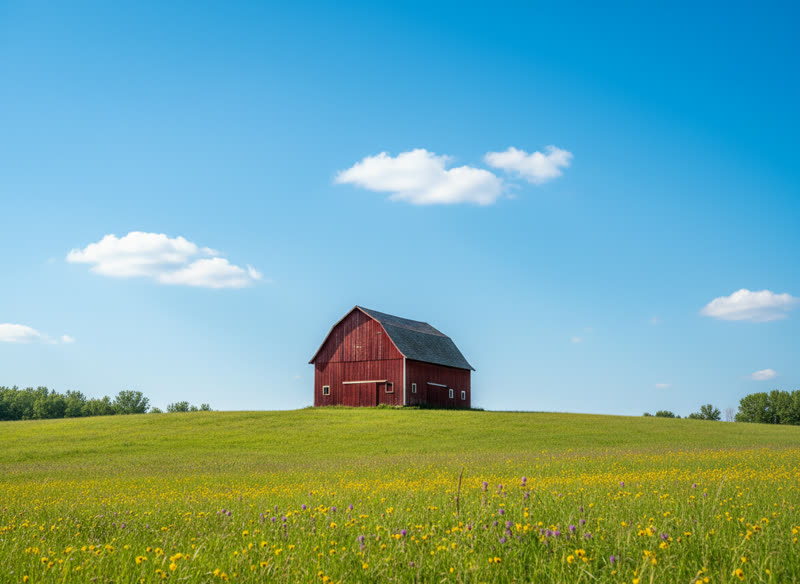
Dithering on or off?
| Image | Dithering | Why |
|---|---|---|
| Photo, sky, skin | On | Hides banding between colors |
| Logo, cartoon, character | Off | Keeps flat areas clean |
| Bead, stitch or block project | Usually off | Scattered single pixels are slow to make by hand |
Our dithering is Floyd–Steinberg error diffusion in Lab color space, run in a serpentine order so it doesn’t drift to one side. Colors are compared with CIEDE2000.
How to convert an image to pixel art, step by step
- Start with a clear image. Crop to the subject and use a plain background. Fine detail like hair strands will not survive at small sizes, so a strong silhouette matters most.
- Pick the width first. Try 32, 64 and 128 and watch what survives. Eyes need at least 2 pixels each to read.
- Then cut the colors. Start at 16. Go down until something important disappears, then go back up one or two.
- Decide on dithering. On for photos and gradients, off for logos, characters and anything with flat colors.
- Clean up and export. Download the PNG; if you want to tidy single stray pixels, open it in any pixel editor. It is already one pixel per cell.
At a glance
- Free: upload a photo, see the pattern right away and download it as a pixel-art PNG. No account needed.
- Paid: $4.99 per photo, one-time — a printable PDF chart (a color and a symbol in every cell, row and column numbers, numbered pages for big designs) and a color list with codes and counts. Or $11.99 for 3 photos.
- Palettes: Perler, Hama and Artkal beads, DMC floss, Minecraft blocks (all solid blocks, or wool and concrete only), PICO-8 and Game Boy, or the best colors from your photo for any yarn.
- Grids from 8 to 200 cells a side, 2 to 60 colors, optional Floyd–Steinberg dithering. Colors are matched with the CIEDE2000 formula.
- One purchase covers every size, palette and color count for that photo. Re-download for 30 days.
- Your photo is processed in your browser and never uploaded to our servers.
- Refund: if the PDF does not open or print correctly, full refund within 14 days.
Questions people ask
How do I convert an image to pixel art?
Upload it to the converter on this page, pick a width in pixels (32 to 128 for most uses) and a color limit, and download the PNG. The image is averaged into a grid, then each cell gets the closest color from a short palette picked from your image.
Is there a free way to convert an image to pixel art?
Yes. The preview here is free, and so is the pixel-art PNG download: no account, no watermark on the picture. You only pay ($4.99) for the printable PDF chart with symbols, row and column numbers and the color list with counts. You can also chart a pattern by hand on graph paper, or use a free spreadsheet; it just takes longer.
Why does simply shrinking an image not look like pixel art?
Shrinking keeps thousands of in-between colors and blurry edges. Pixel art uses a small, deliberate palette and hard edges, so each pixel is one clear color. Limiting colors is what makes it read as pixel art.
How many colors should pixel art have?
Classic consoles used 4 to 16 colors per sprite. 8 to 16 looks retro; 24 to 32 keeps photos recognisable. With dithering you can go lower and still suggest shading.
Can I turn pixel art into something physical?
Yes: the same grid works as a fuse bead pattern, a cross stitch chart, a crochet graph or a Minecraft build. Switch the craft on the home page tool.
Is my image uploaded?
Your photo is processed in your browser and never uploaded to our servers.