Pixel art generator for Minecraft
Upload an image and get a block-by-block build plan: every pixel matched to a real block, with block names and counts in stacks of 64, bold lines every chunk. Free preview and PNG; the printable plan is $4.99. Not affiliated with Mojang or Microsoft.
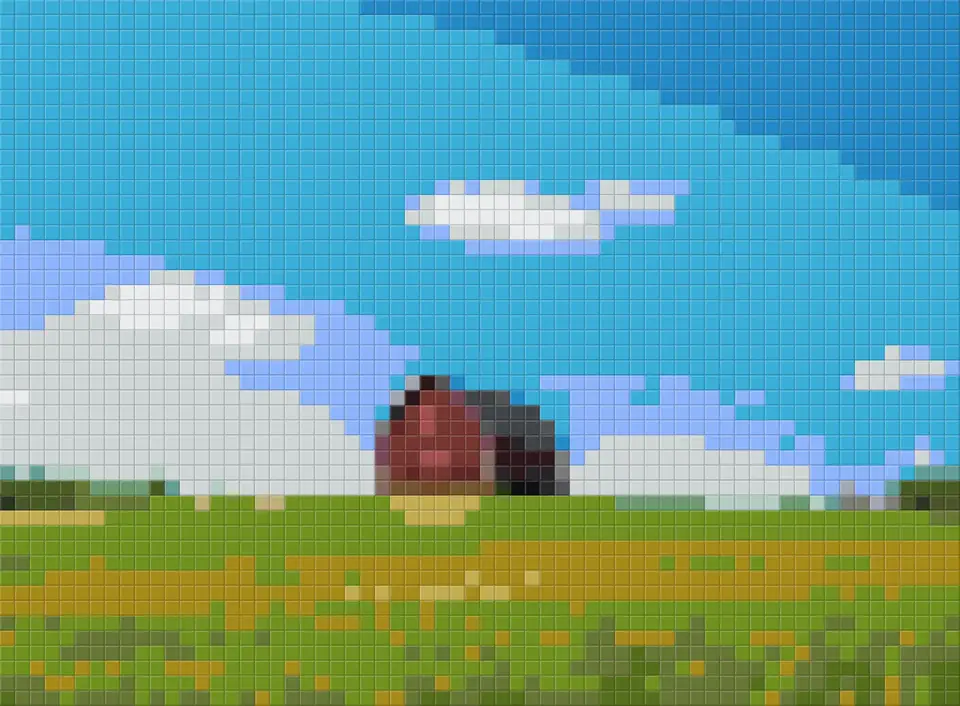
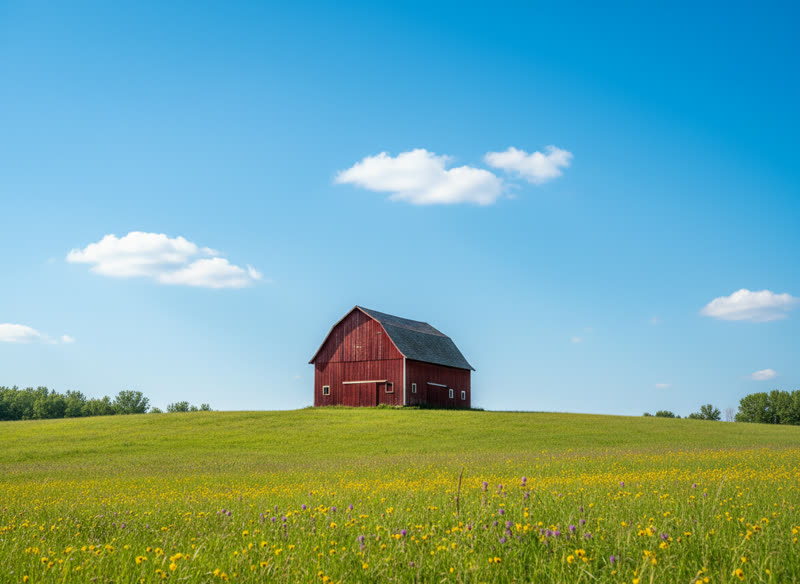
Wool & concrete, or every block?
| Palette | Blocks | Best for |
|---|---|---|
| All building blocks | 144 | Photos, skin tones, skies: the closest color for every pixel |
| Wool & concrete | 32 | Survival builds and logos: easy to get, flat, even colors |
Build from the bottom row up and finish one 16 × 16 chunk at a time; the bold lines on the plan line up with chunk borders when you start at a chunk corner (press F3 + G to show them in Java Edition).
Not an official Minecraft product. Not approved by or associated with Mojang or Microsoft. No game textures or assets are used; block colors are averages from an open-source dataset.
How to turn a picture into Minecraft pixel art
- Upload an image. A pet, a logo, a game character or a landscape.
- Choose the blocks. All solid building blocks for the closest colors, or wool and concrete only, which are easy to farm and perfectly even.
- Set the size. 64 blocks wide fits a wall; 128 fills one map exactly. Bold lines mark every 16 blocks, one chunk.
- Limit the block types. Fewer block types means fewer trips to the chest. 20 to 32 looks great at 128 wide.
- Build from the plan. The PNG is free. The PDF with block names on a numbered grid and a list in stacks of 64 is $4.99.
At a glance
- Free: upload a photo, see the pattern right away and download it as a pixel-art PNG. No account needed.
- Paid: $4.99 per photo, one-time — a printable PDF chart (a color and a symbol in every cell, row and column numbers, numbered pages for big designs) and a color list with codes and counts. Or $11.99 for 3 photos.
- Palettes: Perler, Hama and Artkal beads, DMC floss, Minecraft blocks (all solid blocks, or wool and concrete only), PICO-8 and Game Boy, or the best colors from your photo for any yarn.
- Grids from 8 to 200 cells a side, 2 to 60 colors, optional Floyd–Steinberg dithering. Colors are matched with the CIEDE2000 formula.
- One purchase covers every size, palette and color count for that photo. Re-download for 30 days.
- Your photo is processed in your browser and never uploaded to our servers.
- Refund: if the PDF does not open or print correctly, full refund within 14 days.
Questions people ask
How do I make pixel art in Minecraft from a picture?
Upload the picture above, choose all blocks or wool and concrete, and set the width in blocks. The tool matches every pixel to the block whose average color is closest (CIEDE2000) and counts how many of each block you need, in stacks of 64.
Is there a free Minecraft pixel art generator?
Yes. The preview here is free, and so is the pixel-art PNG download: no account, no watermark on the picture. You only pay ($4.99) for the printable PDF chart with symbols, row and column numbers and the color list with counts. You can also chart a pattern by hand on graph paper, or use a free spreadsheet; it just takes longer.
What size should Minecraft pixel art be?
64 × 64 is a comfortable survival build. 128 × 128 matches one map exactly, so the art shows up crisp on a map item. Larger builds need more block types and many more stacks.
Which blocks are used?
Only full, solid blocks you can place as a flat wall or floor: the 16 colors of wool, concrete and terracotta, planks, stone types, ores blocks, copper and more (144 in all). No glass, leaves, slabs or doors. Or pick "Wool & concrete" for 32 very even colors.
Is this an official Minecraft tool?
No. It is an independent tool, not affiliated with Mojang or Microsoft. It uses no game textures, only the average color of each block, published in an open-source dataset.
Is my image uploaded?
Your photo is processed in your browser and never uploaded to our servers.
Can I get a refund?
Refund: if the PDF does not open or print correctly, full refund within 14 days.