Pixel art converter
Upload a picture and turn it into pixel art 8 to 200 pixels wide, with 2 to 60 colors or a PICO-8 or Game Boy palette. Download it free as a crisp PNG; a printable numbered grid is $4.99.
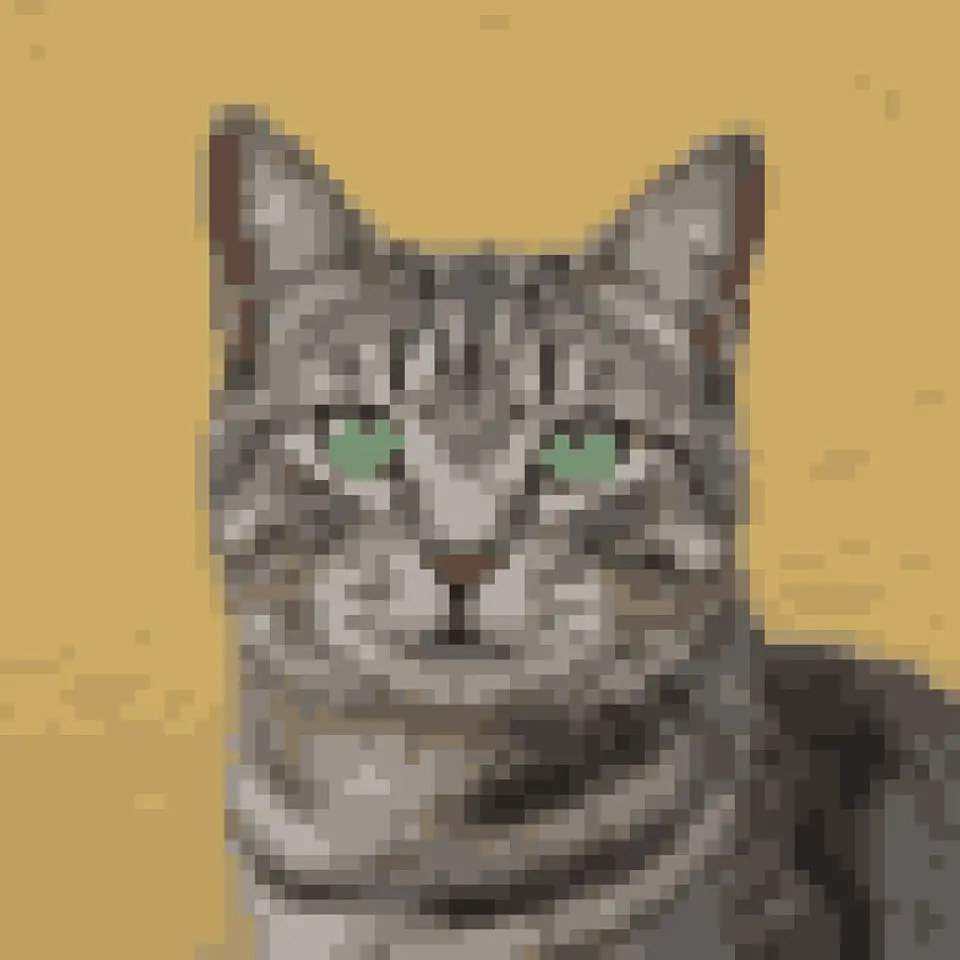
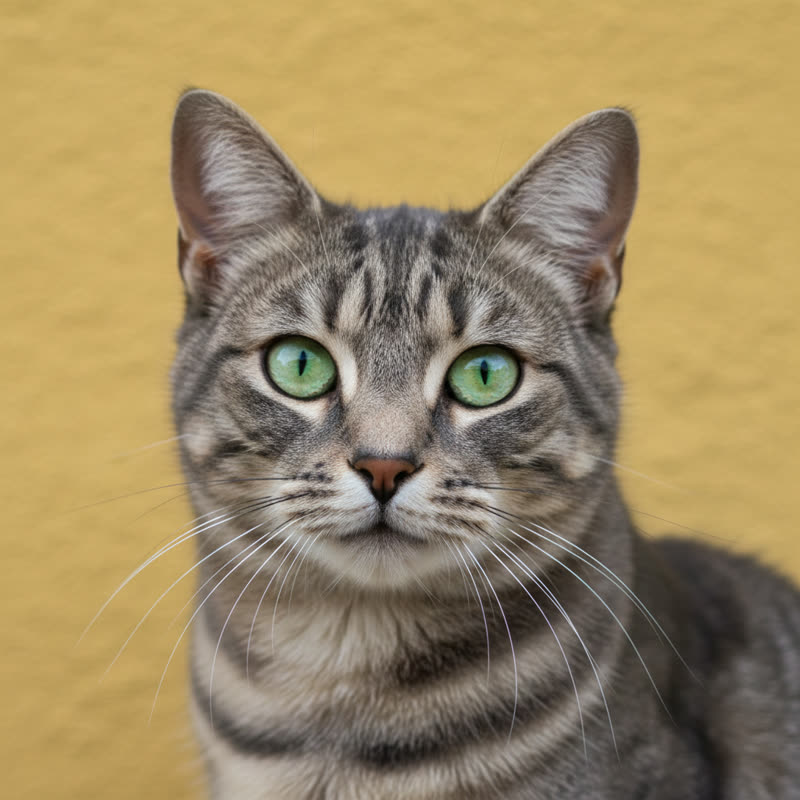
Sizes and what they are for
| Width | Looks like | Use it for |
|---|---|---|
| 16–32 px | Classic 8-bit | Icons, emojis, Discord and Twitch badges |
| 48–64 px | 16-bit sprite | Avatars, game sprites, stickers |
| 96–128 px | Detailed pixel scene | Portraits, wallpapers, prints |
Want to build it with your hands? The same picture becomes a bead pattern, a cross stitch chart or block art.
How to convert a picture to pixel art
- Upload a picture. Any JPG, PNG or WebP. Transparent PNGs keep their transparent areas empty.
- Choose the pixel size. 32 pixels wide is an icon or avatar, 64 a sprite, 128 a detailed scene.
- Choose the palette. Best colors from your picture, the 16-color PICO-8 palette, or 4 Game Boy greens.
- Tune colors and dithering. Fewer colors look more retro; dithering mixes pixels to fake extra shades.
- Download the PNG. Free, scaled up with crisp edges. A printable grid PDF with every pixel numbered is $4.99, for crafts and recreating by hand.
At a glance
- Free: upload a photo, see the pattern right away and download it as a pixel-art PNG. No account needed.
- Paid: $4.99 per photo, one-time — a printable PDF chart (a color and a symbol in every cell, row and column numbers, numbered pages for big designs) and a color list with codes and counts. Or $11.99 for 3 photos.
- Palettes: Perler, Hama and Artkal beads, DMC floss, Minecraft blocks (all solid blocks, or wool and concrete only), PICO-8 and Game Boy, or the best colors from your photo for any yarn.
- Grids from 8 to 200 cells a side, 2 to 60 colors, optional Floyd–Steinberg dithering. Colors are matched with the CIEDE2000 formula.
- One purchase covers every size, palette and color count for that photo. Re-download for 30 days.
- Your photo is processed in your browser and never uploaded to our servers.
- Refund: if the PDF does not open or print correctly, full refund within 14 days.
Questions people ask
How do I convert a picture to pixel art?
Upload the picture above, choose how many pixels wide it should be and how many colors, and the pixel art appears right away. Download it as a PNG for free; it is scaled up with hard edges so it stays crisp.
Is this pixel art converter free?
Yes. The preview here is free, and so is the pixel-art PNG download: no account, no watermark on the picture. You only pay ($4.99) for the printable PDF chart with symbols, row and column numbers and the color list with counts. You can also chart a pattern by hand on graph paper, or use a free spreadsheet; it just takes longer.
What size should pixel art be?
16 to 32 pixels for icons and emojis, 48 to 64 for game sprites and avatars, 96 to 128 for scenes and portraits. Smaller sizes look more like hand-made pixel art.
What is dithering?
Dithering (Floyd–Steinberg here) places pixels of two colors next to each other so that, from a distance, you see a shade in between. It smooths gradients with few colors but adds a speckled texture.
Can I use a retro palette like PICO-8 or Game Boy?
Yes. Choose PICO-8 for its 16 fixed colors or Game Boy for 4 shades of green; the converter maps every pixel to the closest color of that palette.
Is my picture uploaded?
Your photo is processed in your browser and never uploaded to our servers.