Crochet pattern creator for tapestry and graphghans
Upload a photo and get a crochet color chart where one cell is one stitch, in a few yarn colors picked from your photo. Free preview and PNG; the PDF with the chart and written row-by-row color counts is $4.99.
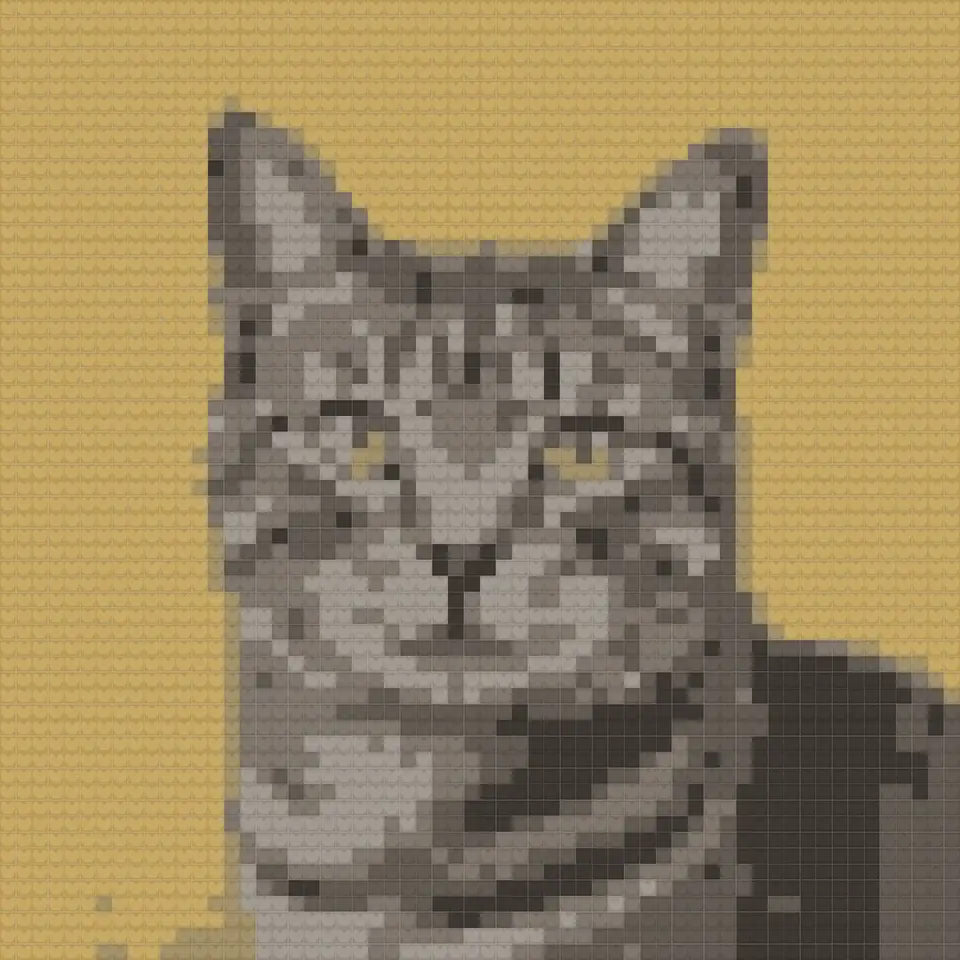
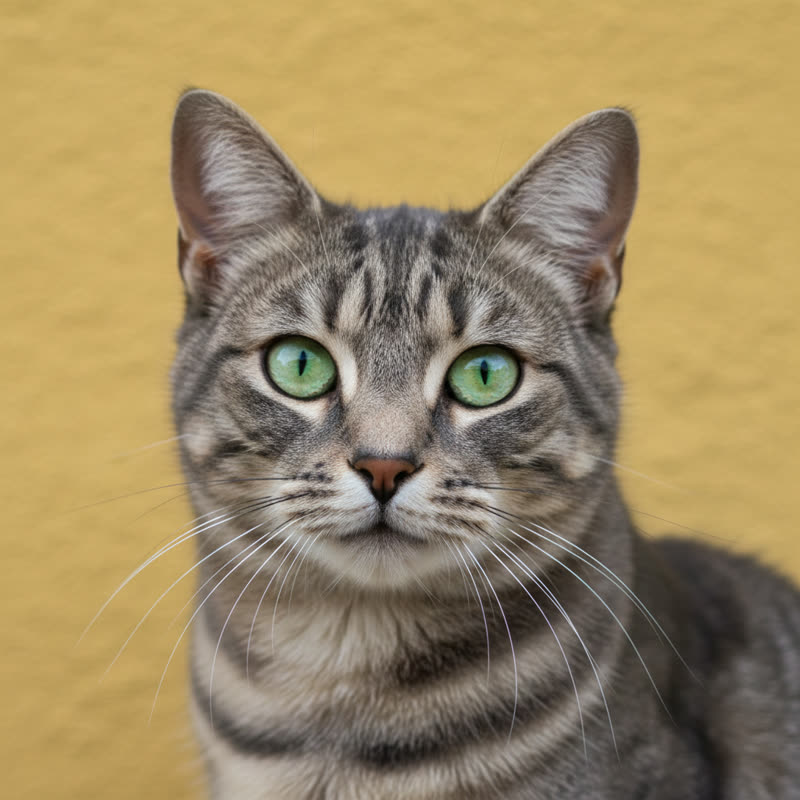
Written rows, not just a picture
Counting squares on a chart while holding a hook is the slow part. The PDF turns every row into a line you can tick off: the direction, the total stitches and each run of color, like “Row 14 (left to right, 60): 9 A, 4 C, 21 B, 4 C, 22 A”.
Colors are named in plain words with a hex code, so you can match any brand of yarn.
How to create a crochet chart from a photo
- Upload a photo or drawing. Simple, high-contrast images work best: a pet silhouette, initials, a flower.
- Set the width in stitches. This is your foundation chain. 60 single crochets in worsted yarn is about 36 cm (14 in).
- Keep the colors low. Tapestry crochet carries the unused yarn inside the stitches, so 2 to 6 colors is the sweet spot.
- Check it stitch by stitch. The preview draws each cell as a crochet stitch; drag the divider to compare with the photo.
- Get the chart and written rows. PNG free; the PDF with the chart and row-by-row color counts is $4.99.
At a glance
- Free: upload a photo, see the pattern right away and download it as a pixel-art PNG. No account needed.
- Paid: $4.99 per photo, one-time — a printable PDF chart (a color and a symbol in every cell, row and column numbers, numbered pages for big designs) and a color list with codes and counts. Or $11.99 for 3 photos.
- Palettes: Perler, Hama and Artkal beads, DMC floss, Minecraft blocks (all solid blocks, or wool and concrete only), PICO-8 and Game Boy, or the best colors from your photo for any yarn.
- Grids from 8 to 200 cells a side, 2 to 60 colors, optional Floyd–Steinberg dithering. Colors are matched with the CIEDE2000 formula.
- One purchase covers every size, palette and color count for that photo. Re-download for 30 days.
- Your photo is processed in your browser and never uploaded to our servers.
- Refund: if the PDF does not open or print correctly, full refund within 14 days.
Questions people ask
How do I create a crochet pattern from a picture?
Upload the picture above, choose the width in stitches and 2 to 6 colors. The chart appears in your browser, and the PDF adds written rows such as "Row 3 (left to right, 60): 12 A, 5 B, 43 A".
Is there a free crochet pattern creator?
Yes. The preview here is free, and so is the pixel-art PNG download: no account, no watermark on the picture. You only pay ($4.99) for the printable PDF chart with symbols, row and column numbers and the color list with counts. You can also chart a pattern by hand on graph paper, or use a free spreadsheet; it just takes longer.
What is the difference between tapestry crochet, a graphghan and C2C?
All three follow a color chart. Tapestry crochet and graphghans are worked in rows of single crochet (or similar) from the bottom up; one cell is one stitch. C2C works diagonal rows of small tiles from one corner. Use this page for row-by-row charts and the C2C graph page for corner to corner.
Which way do I read the rows?
Row 1 is the bottom row of the chart, read right to left; turn and read row 2 left to right, and so on. The written rows in the PDF already follow this order, with the stitch count of every color run.
Why does my crochet picture look squashed?
Single crochet stitches are a little wider than they are tall, so a chart made of square cells stretches slightly in height when worked. If proportions matter, make the chart a few rows shorter or use the Square option and stop early.
Is my photo uploaded?
Your photo is processed in your browser and never uploaded to our servers.
Can I get a refund?
Refund: if the PDF does not open or print correctly, full refund within 14 days.